🌉
Bridge Break-Test
Design + break-test
You design a bridge in real engineering software, 3D-print it, then we hang weights on it until it snaps — strongest-for-its-weight wins.
Everyone starts from the same solid block in TrussForge and carves away as much plastic as they dare while keeping it strong. A heavy bridge is easy — the real engineering is strength-to-weight: your score is the breaking force ÷ the weight, so a light bridge that holds a lot can beat a heavy one. (A 3D print is layers glued together, so the trick is shapes that keep the layers pushing, not peeling.)
CAD / 3D designEngineeringStrength-to-weight
🤓 Fun fact
The Eiffel Tower is 1,000 feet of iron — but melt the whole thing into the square it stands on and the puddle would only reach your shins. The genius isn't how much metal, it's where you put it.
💬 Ask your camper
"Whose bridge held the most weight for the least plastic? What shape did they cut out of the middle?"
🏠 Try it at home
Carve your own beam in TrussForge — watch the stress and weight change live, and see how strong you can make it for the least material.
Learn more
- TrussForge — the bridge-design app from camp.
- Tinkercad — free, beginner-friendly 3D design in your browser.
📦
Custom micro:bit Case
Design & print
You design and 3D-print a snap-on case that protects your micro:bit — and makes it yours.
A micro:bit is a tiny pocket computer we code all week. A good case does three jobs at once: protect the board, leave the buttons and LED screen reachable, and look great. You pick the color and design the front.
3D printingDesignPersonalization
🤓 Fun fact
The micro:bit was invented in the UK to teach millions of kids to code — they gave one free to every 11–12-year-old in Britain. And each printed layer is about as thin as a human hair.
💬 Ask your camper
"What did you put on your case? Where do the buttons and screen peek through?"
🏠 Try it at home
Design a custom keytag or nametag for free in Tinkercad — it runs in any browser, and a library makerspace can often print it.
☀️
Solar-Powered Cars
Build & race
You build a little car that runs on sunlight — then line up and race it.
A solar panel turns light into electricity, the motor spins, gears pass the power to the wheels, and off it goes — in bright sun it moves on light alone. Gears trade speed for muscle, and you measure who's fastest with speed = distance ÷ time.
EnergyGears & motorsMeasuring
🤓 Fun fact
The sunlight hitting Earth in one hour is more energy than every person on the planet uses in a whole year. Your car runs on a tiny sip of that free power.
💬 Ask your camper
"What made your car faster? Did it move on sunlight alone, with no battery?"
🏠 Try it at home
Explore how the sun powers things — and play with energy — at NASA Climate Kids.
🤖
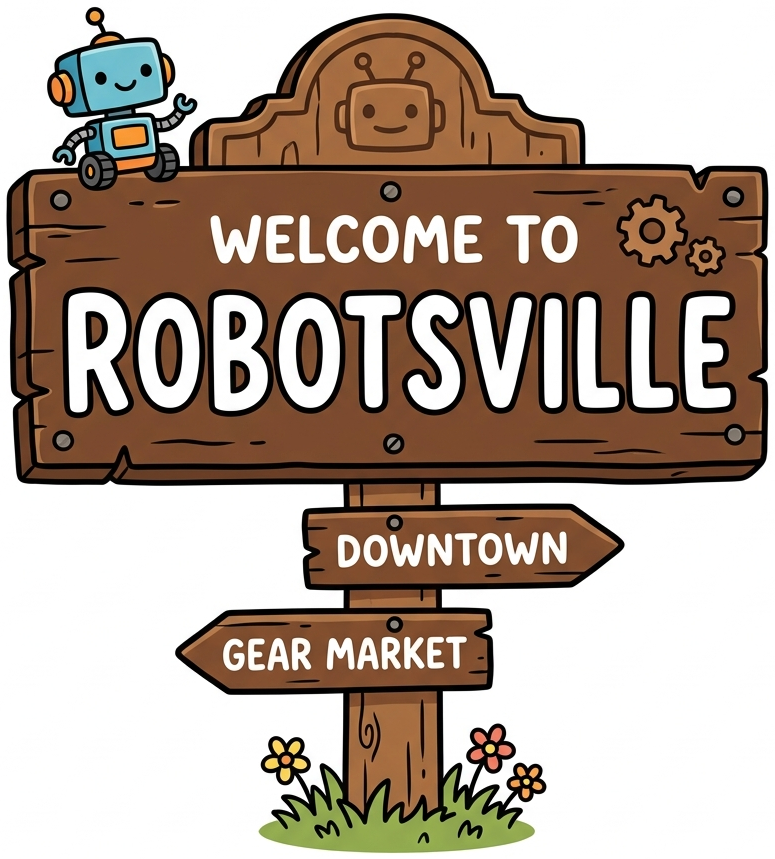
Robot Cars: Robotsville
~1 hour
You drive a real robot car by remote — then code it to drive itself around Robotsville.
The car is run by a micro:bit. First you pair a remote and drive; then you teach it to follow the roads and do jobs around Robotsville — deliver a package, park the garage, mow the lawn. It senses the floor with infrared: white bounces the light back, black soaks it up, and the chip decides dozens of times a second. You build the programs in our Robot App and send them to the real car.
Block codingRoboticsSense → think → act
🤓 Fun fact
The car doesn't "see" the line — it shines a light down and feels the dark spot. That's the same sense → think → act loop a self-driving car or a Roomba uses, just smaller.
💬 Ask your camper
"What jobs did your robot do in Robotsville? How did you make sure your remote drove your car and not a neighbor's?"
🏠 Try it at home
Keep coding with no robot needed — open the Robot App and program a robot car (or a smart home) right in your browser.
🗼
Tower Build
~1 hour
You build the tallest tower you can — one that stands on its own and holds the weight on top.
Everyone gets the same kit of straws and tape. The taller it gets, the more a tiny wobble at the bottom turns into a big topple up top — so it's a fight between height and balance. A wide base, weight kept low, and triangle bracing make a tower that stands. The tallest one that survives the 10-count wins.
StructuresCenter of gravityBracing
🤓 Fun fact
The tallest building on Earth — the Burj Khalifa — is 828 meters (half a mile!) and stays up thanks to a wide, three-winged base and foundations 50 meters deep. Some skyscrapers even hang a giant swinging weight up top to cancel the wind's wobble.
💬 Ask your camper
"What made your tower stand instead of topple? How tall did it get before it started to wobble?"
🏠 Try it at home
Try the Marshmallow Challenge: the tallest free-standing tower from 20 spaghetti, a meter of tape and string, and one marshmallow on top — and test as you build (kids often beat grown-ups at this!).
Keep building at home
The two apps we use at camp are free and run in your browser — design a bridge, or code a robot car and a smart home.
← Camp home More projects — break it, spin it & connect it →